Worlds
Put your brand inside the game. Maps, environments, skins, branded objects and aesthetic integrations.
Put your brand inside a creator’s gaming livestream. Show up as part of the live show, not a separate ad break.
See how it worksStart with your goal, audience and budget. Choose the creators, ad format and dates with StreamO. Then see what ran and how it performed.
Your brand can appear on screen or in live chat. These examples show where the creative can appear. Choose the creative idea in Creative Studio next.
Your logo or offer sits on screen while the creator plays. Everyone watching sees it, and it can’t be skipped.
Your link sits in live chat. Viewers tap it without leaving the stream.
A QR code on screen takes viewers straight to your shop or offer page.
When something big happens in the game, a clutch, a win, a goal, your brand shows up with it.
Make the action easy to see
Start with an idea you like. We will shape it for your brand, show you a draft and use your feedback before you approve the final creative.
12 directions to explore
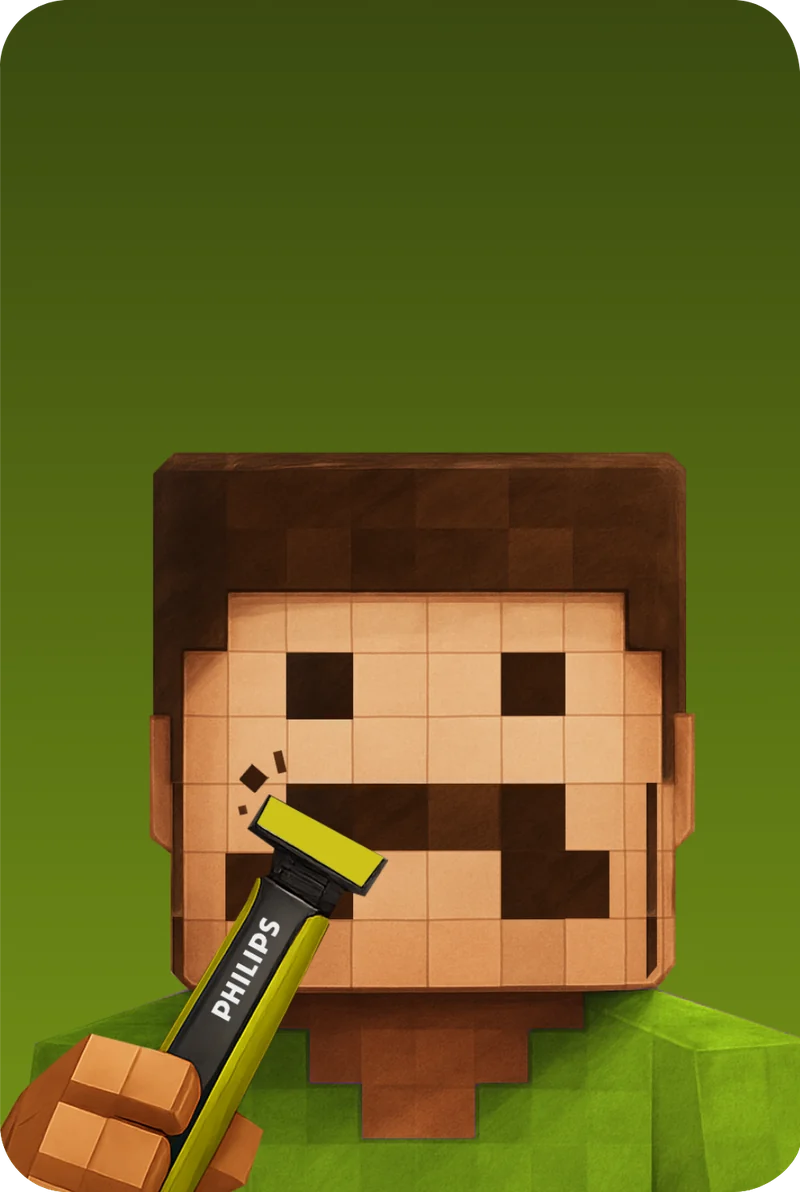
Explore the 12 creative formatsPut your brand inside the game. Maps, environments, skins, branded objects and aesthetic integrations.
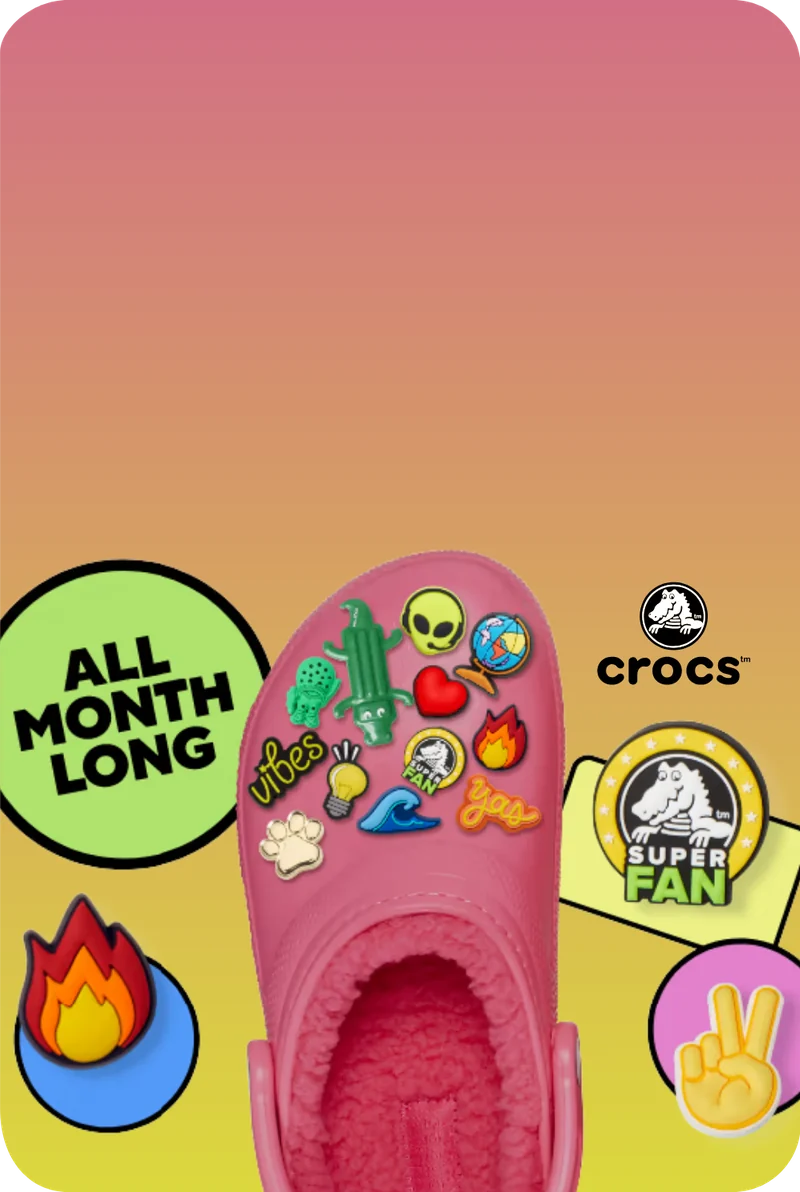
Give your brand someone to root for. Mascots, avatars, character IP and recurring personalities.
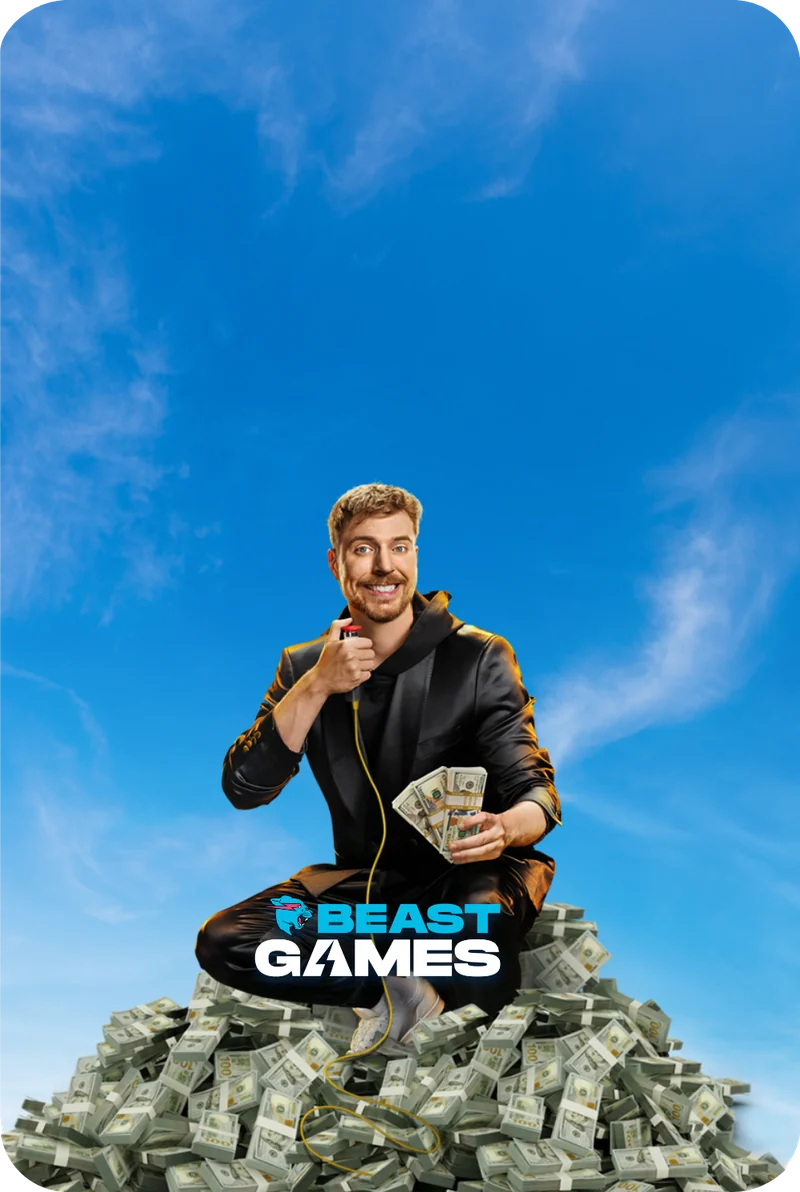
Own the moments people are already watching. Reveals, alerts, stingers, live reactions and product integrations.
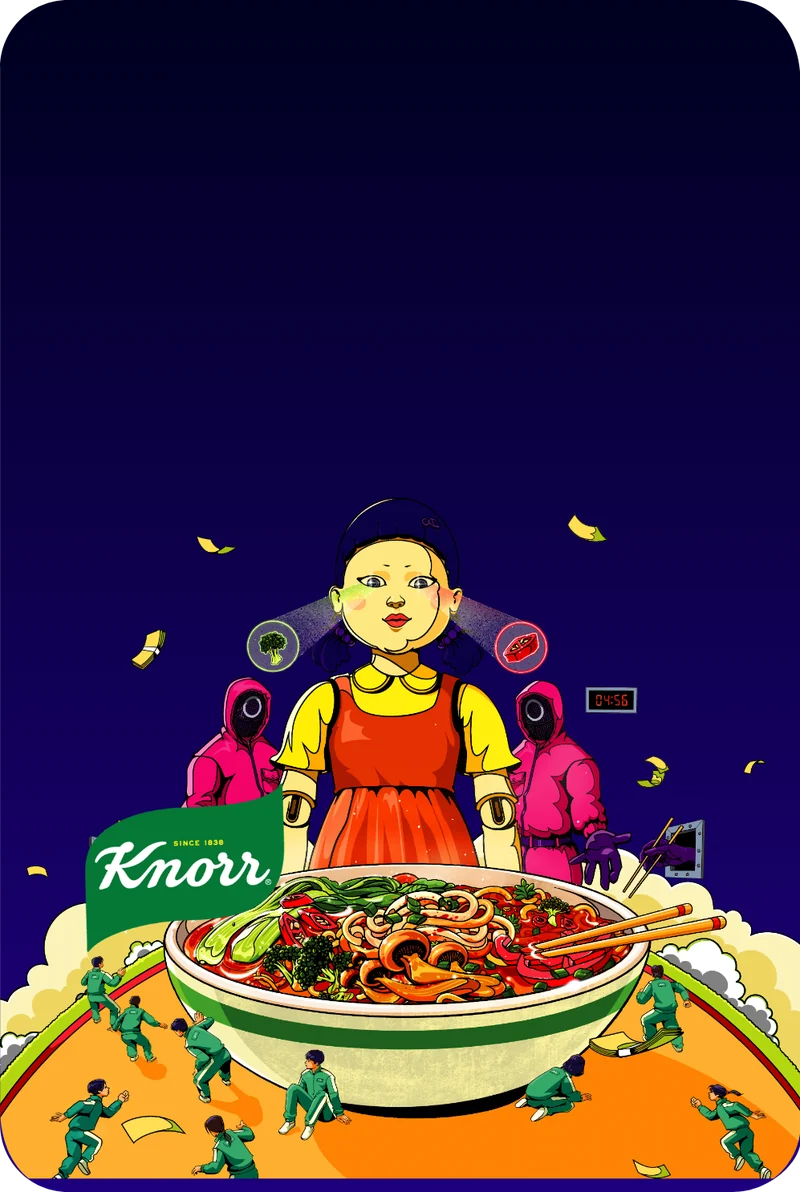
Give the audience something to do. Challenges, game mechanics, votes, quests and interactive activations.
Make your brand part of the internet conversation. Memes, topical content, entertainment drops, trends and always-on cultural platforms.
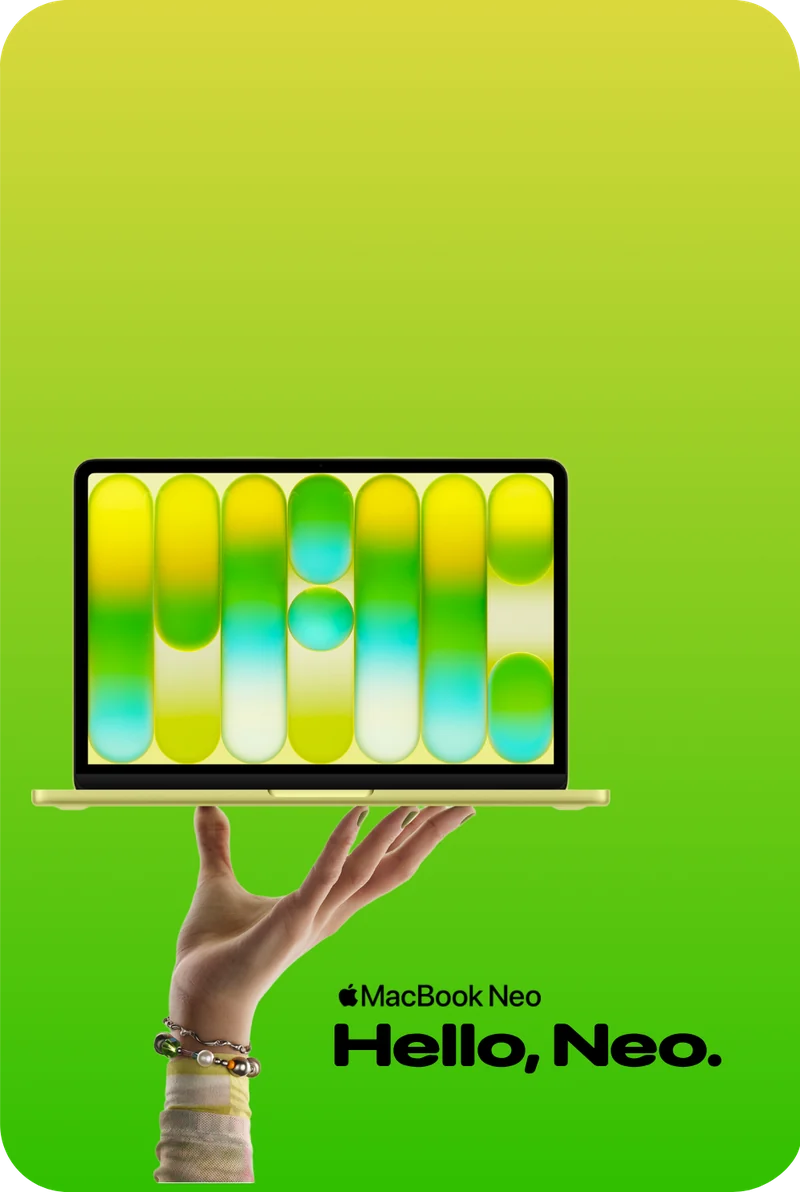
Turn attention into action without killing the vibe. QR drops, chat links, promo mechanics and live conversion moments.
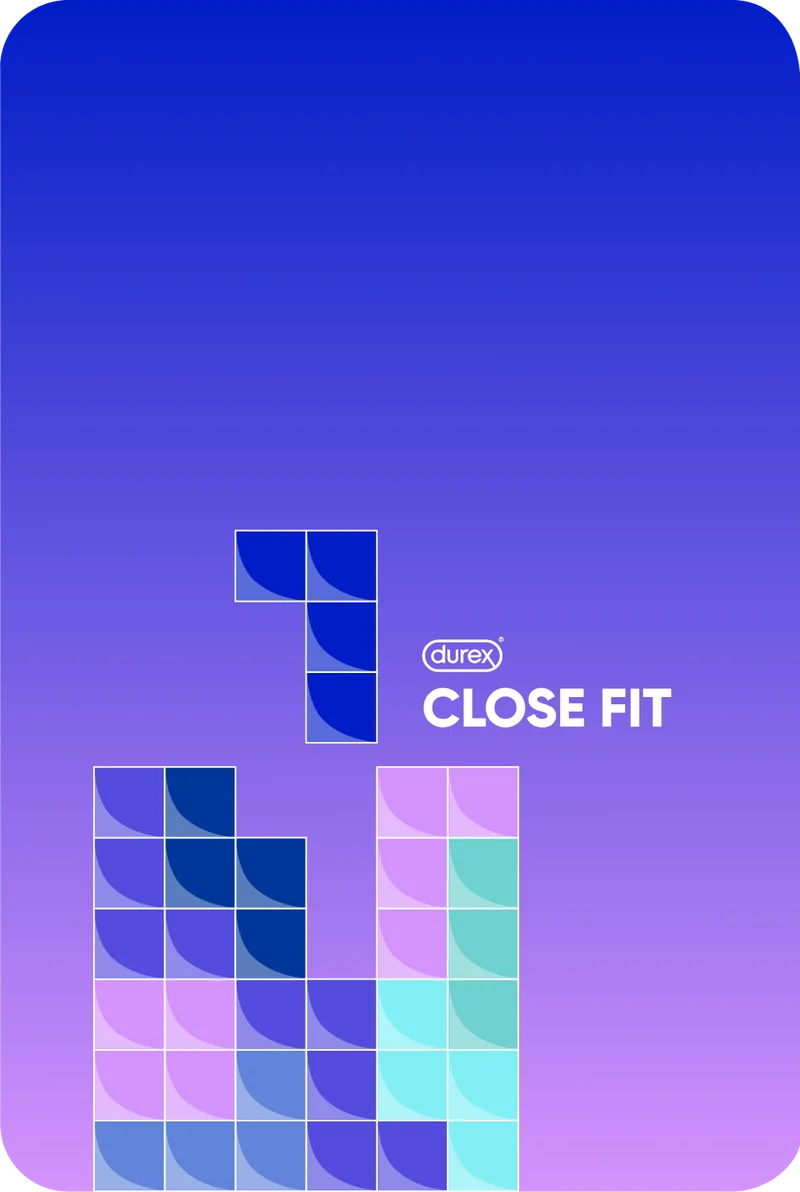
Say what other brands won’t. Category-bold ideas told with gamer humour and creator trust.
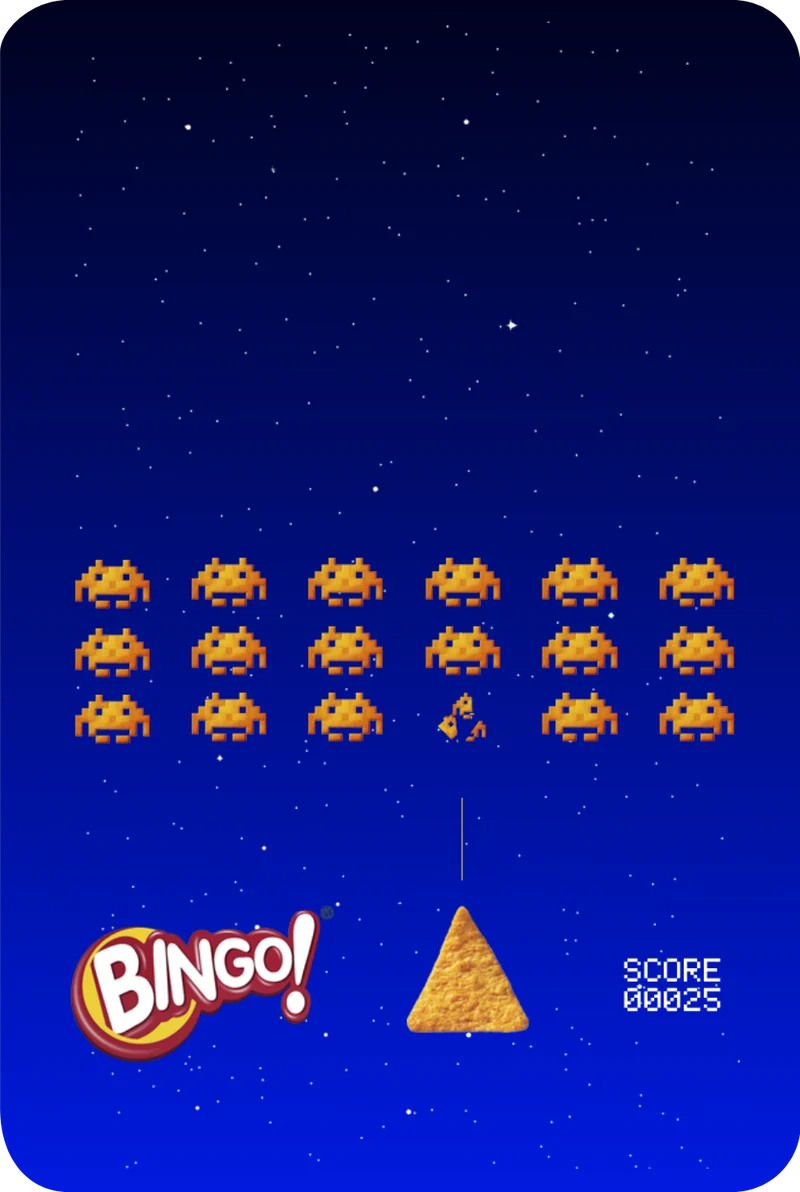
Bring back the games everyone grew up on. Classic arcade formats, rebuilt around your brand.
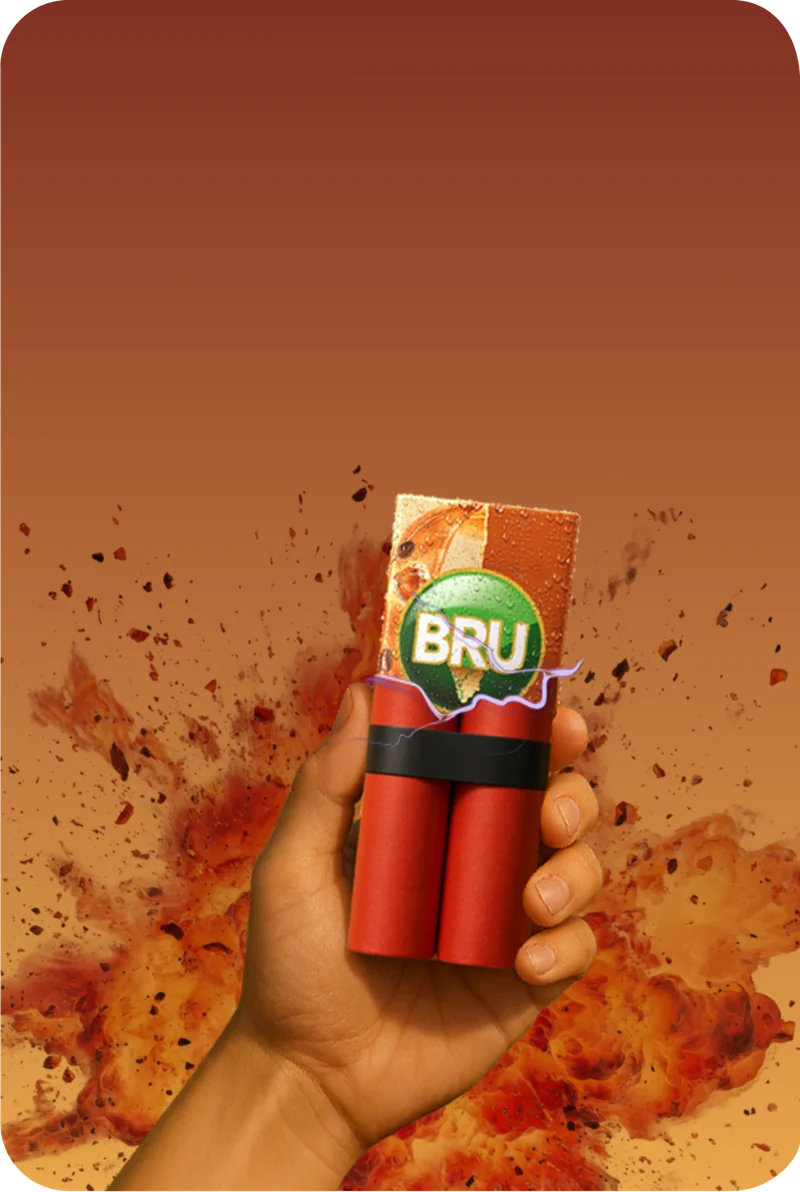
Back the moments fans live for. Tournaments, leaderboards, rivalries and high-stakes live play.
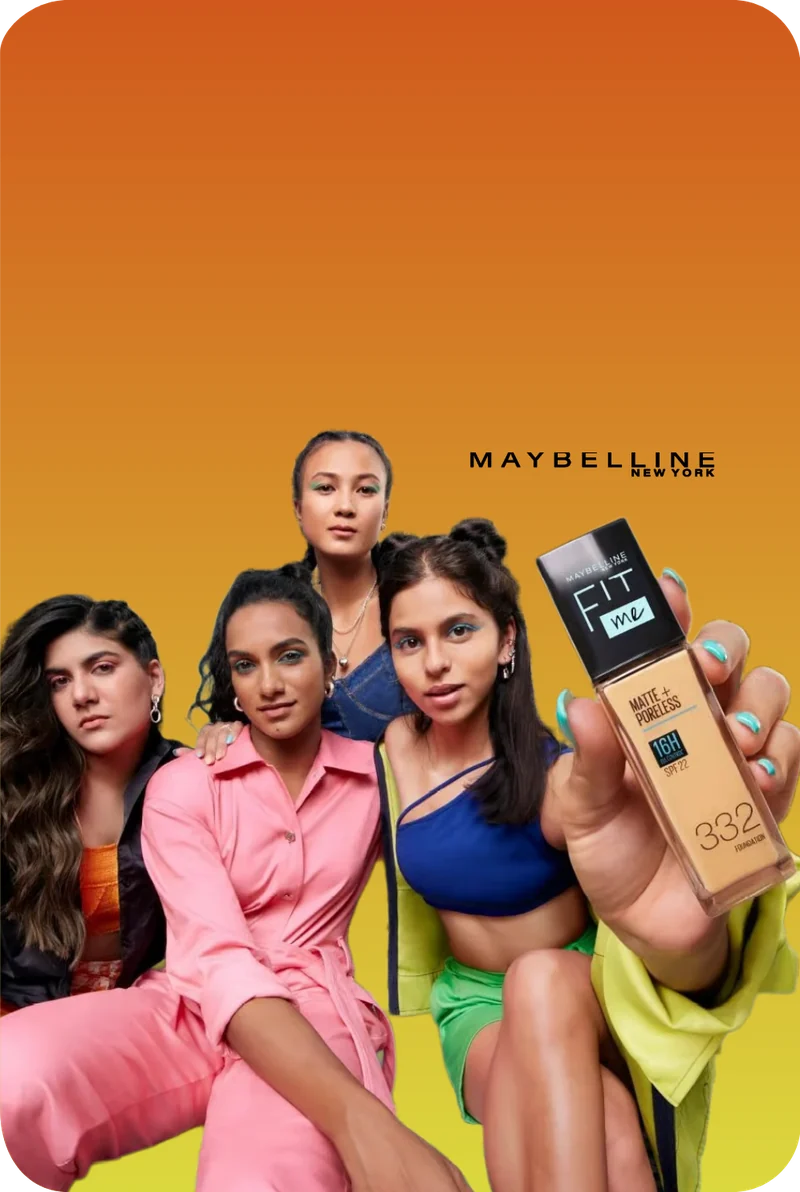
Show up in the creator’s everyday. Get-ready-with-me, routines, setups and the moments around the stream.
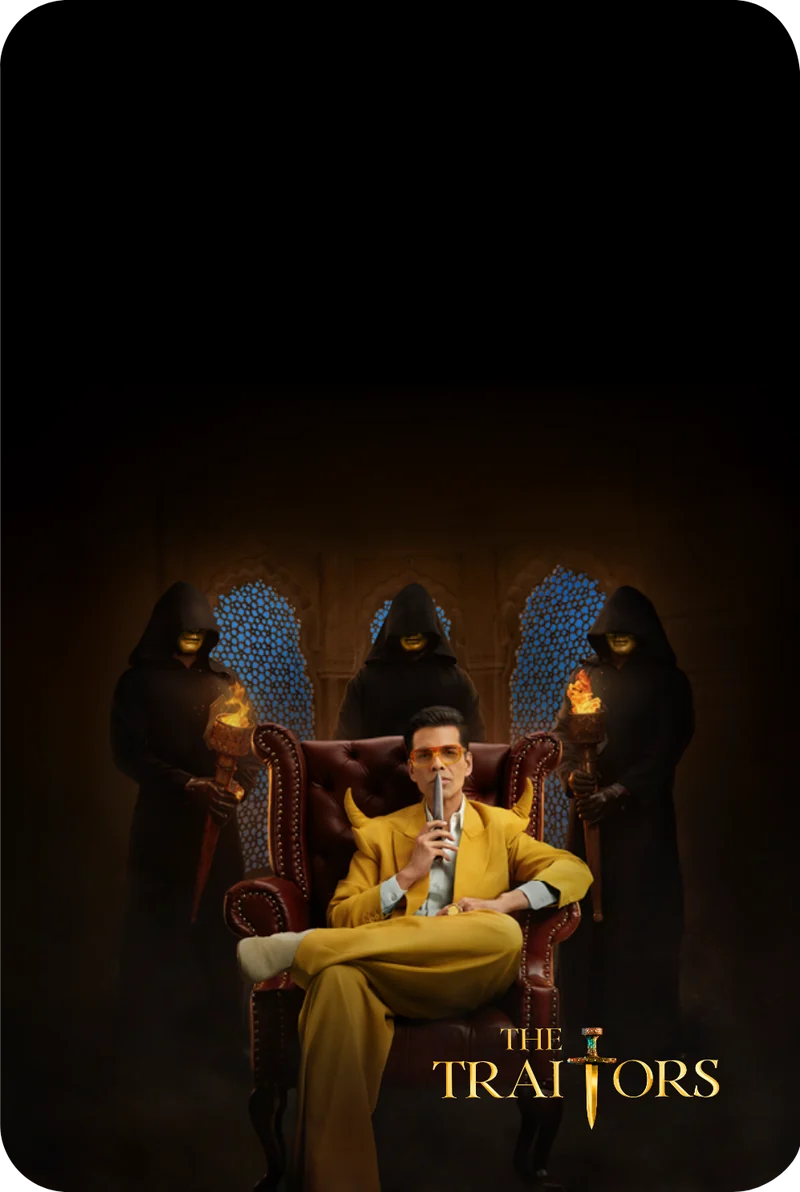
Turn a show into something to play. Interactive overlays, story-led formats and entertainment tie-ins.
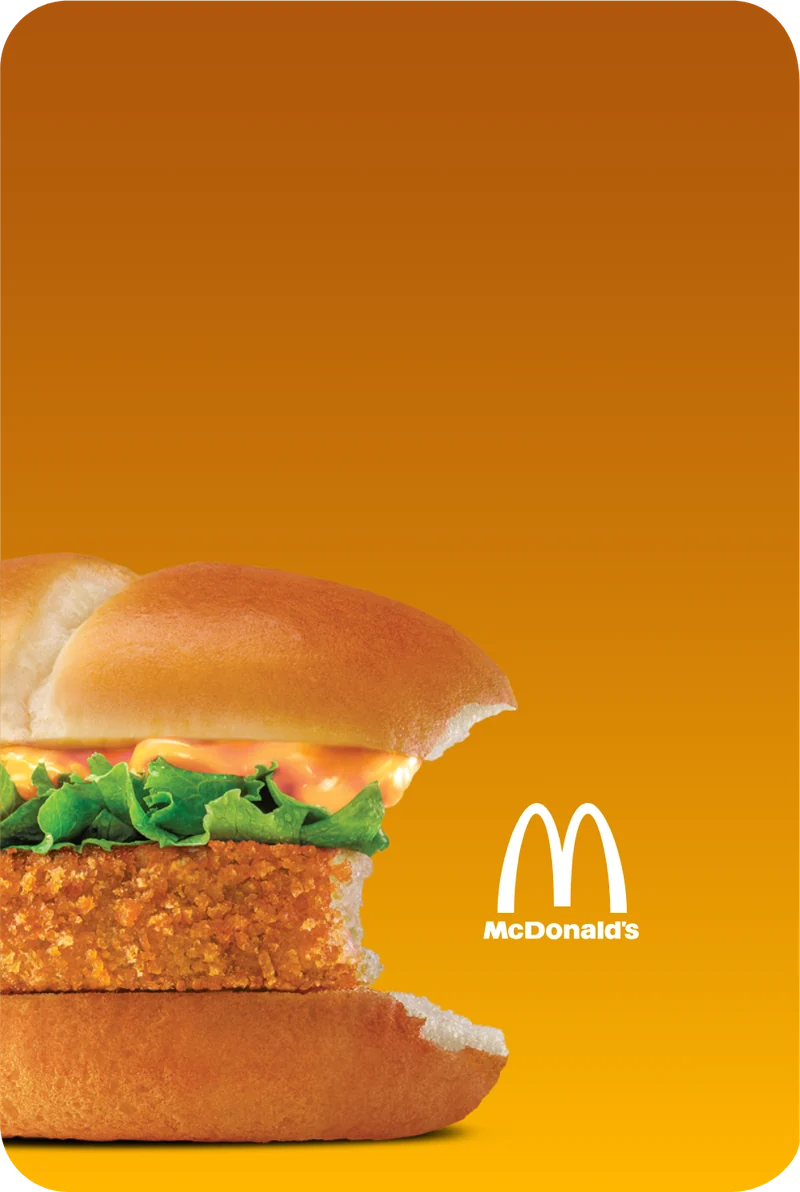
Make the product the hero of the play. Game moments built around what your product actually does.
A creator pack is a group of creators for your campaign. Compare who they reach, the language they use and the kind of content they make. Pick the group that fits your brand.
I’m a… brand
Go deeper on the blog
Tell us your budget and how long you want to run. We will put together a plan showing the creators, ad appearances and dates, with the price clearly listed.
Before launch, agree where your brand can appear, what content to avoid and what happens if something goes wrong.
Your report should show where your ads appeared, when they ran and the results that can be measured. Delivery and audience actions are kept separate.
 Sample campaign · 2 monthsSample data
The whole campaign in one view. Brand lift studies are added for bigger launches.
Impressions, day by day
10.4M over 60 days
Brand lift study (added for bigger launches)
After the campaign
Preview with sample data. Your reports show your campaign. Views are counted from live viewers on stream at the moment each insertion runs, logged per stream.
Gaming livestreams are a new media channel. These guides explain how it works, in plain words, before you plan anything.
Free · Six modules
The Livestream Marketing Masterclass
Six modules to get your team fluent in live attention.
Playbooks by category
See it in action
Plain answers, no jargon. Need more detail? Ask StreamO.
Brand appearances inside creator-led gaming livestreams. Your plan sets out the creators, formats, dates and price.
StreamO coordinates the campaign. You agree the creator pack and the plan with the team.
Share your brand assets and campaign goal. Browse the 12 creative directions in Creative Studio and tell us which you like and why. We will develop the idea, share a draft and use your feedback before you approve the final creative. Agree what needs to be made and any creative costs.
A chat link can open your page. A QR code can take a viewer to a shop or offer page. The viewer chooses whether to open it; a visit is not a guaranteed sale.
Ask for a plan based on your budget, creators, formats and dates. Check the full price, taxes, creative costs and delivery terms before you approve.
Tell us when you want to start and how long you want to run. StreamO will help you choose a plan for your timing and budget.
Agree the creators, content limits, ad approval and response process before launch. Live content still carries risk.
Ask for the delivery report and supporting proof. Check what each measure means and which clicks or scans can be tracked.
Share your goal, audience and dates. Not sure yet? Tell us what you know.
Want the short version?
Get the StreamO media pack. Keep it handy or share it with your team.
Open the media pack (opens in a new tab)Prefer to talk it through?
Book a call to discuss your brand, your audience and where to start.
Book a call (opens in a new tab)